

Summary
Create tags in Client Management.
Description
Tags are a way to group and organise clients within Client Management.
You can create up to ten tags.
Resolution
- Select Settings, then Manage tags.
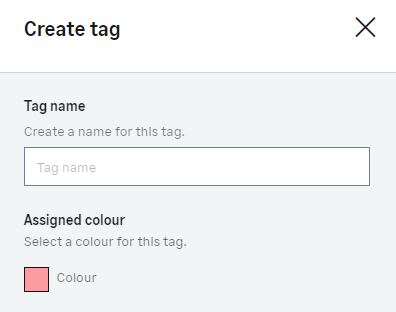
- Select Create a tag.
- Choose a name and colour for the tag.

- Select Create tag.
 Africa
 Asia
Asia Australia
 Canada
 France
 Ireland
 Kenya
Kenya Nigeria
 Portugal
 South Africa
 Spain
Spain United Arab Emirates
 United States
 Germany