Create Tags for clients
Summary
Create tags in Client Management.
Description
Tags are a way to group and organise clients within Client Management.
You can create up to ten tags.
Resolution
- Select Settings, then Manage tags.
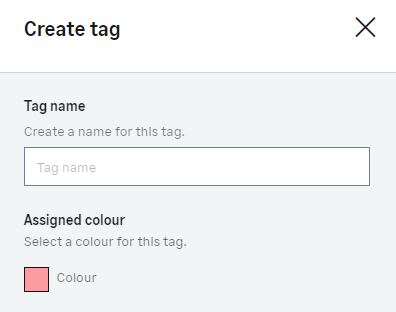
- Select Create a tag.
- Choose a name and colour for the tag.

- Select Create tag.
Solution Properties
- Solution ID
- 240228194233653
- Last Modified Date
- Mon Nov 04 14:52:57 UTC 2024
- Views
- 0