
Summary
How to record sales to customers in Accounting Start.
Description
Accounting Start streamlines customer payments with clear invoices. You can record and send invoices where you can print or email.
Resolution
If you're ready to start using invoices now, send your first invoice.
Customising your invoices
If you want to, you can customise the appearance of your invoices. For example, you can:
- Add your company logo
- Change the document layout
- Add your payment details
- Include terms and conditions or extra notes
How to customise sales documents and customer statements.
Tracking your invoices
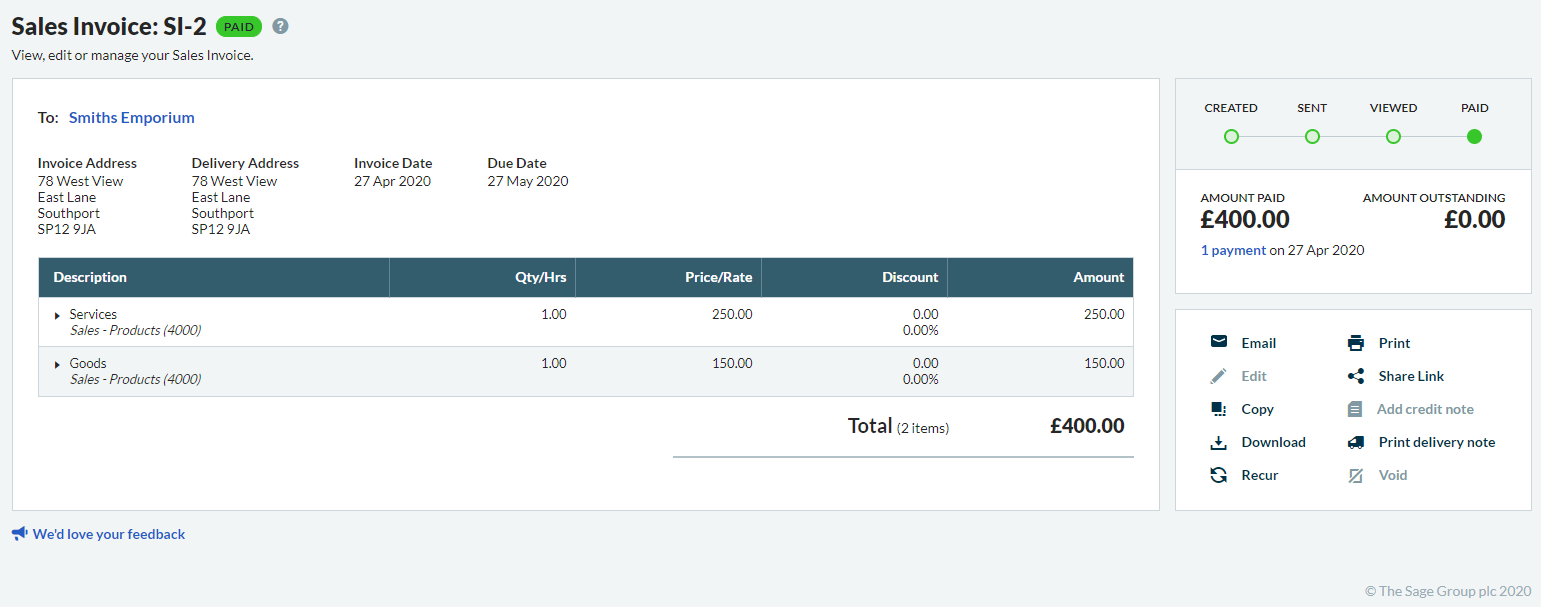
After sending invoices, check customer views and payments. Check individual invoices with a document timeline or view all in a report.
Duplicating invoices
Save time by copying an invoice from an existing invoice that you've used before. From your invoice, simply select Copy.
 Africa
 Asia
 Australia
 Canada
 France
 Ireland
 Kenya
 Nigeria
 Portugal
 South Africa
 Spain
 United Arab Emirates
 United States
 Germany