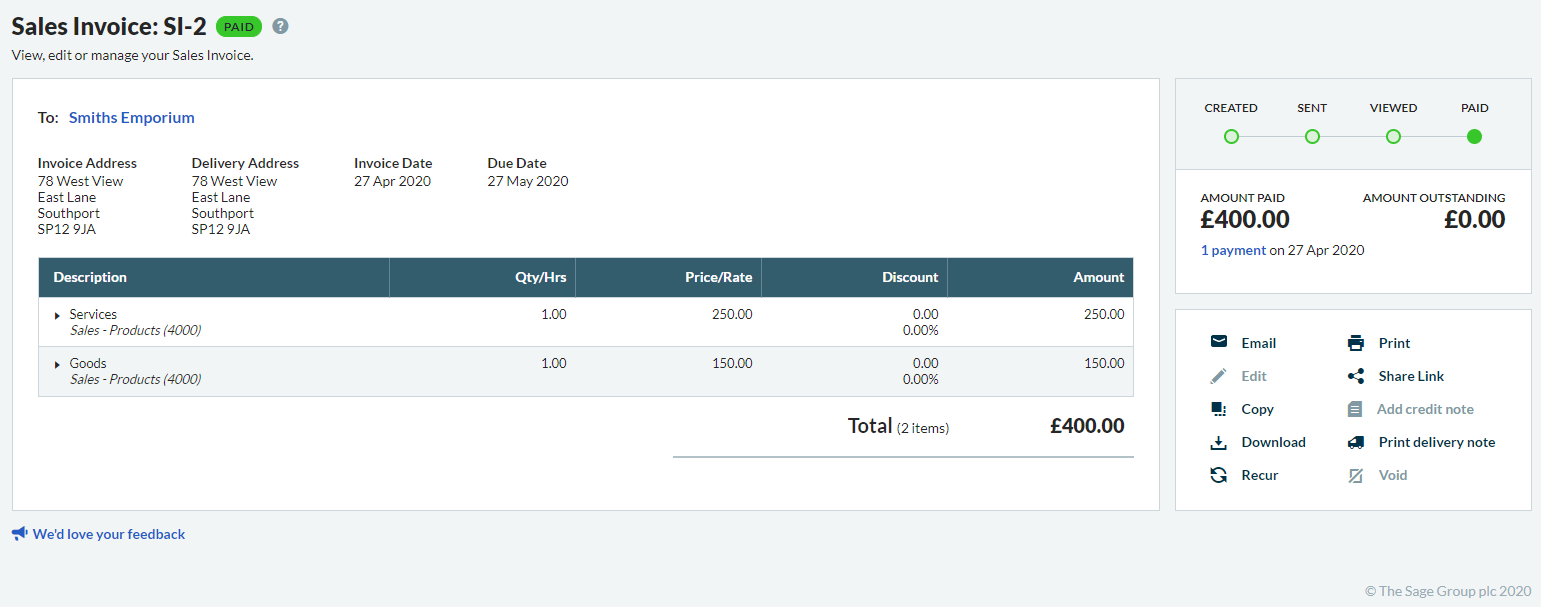
Accounting Start streamlines customer payments with clear invoices. You can record and send invoices where you can print or email.
If you're ready to start using invoices now, send your first invoice.
If you want to, you can customise the appearance of your invoices. For example, you can:
How to customise sales documents and customer statements.
After sending invoices, check customer views and payments. Check individual invoices with a document timeline or view all in a report.
Save time by copying an invoice from an existing invoice that you've used before. From your invoice, simply select Copy.