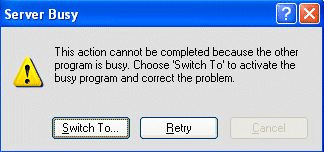
To resolve this you must close the previous Print window by pressing Alt + TAB on your keyboard, selecting the reporting window then clicking OK. If no other print windows are open, follow the below steps. - Click Nominal Codes, then click Trial Balance.
- Select the option of Preview, then click Run.
- Close the preview, then retry the original report.
If this doesn't resolve the issue there may be a printer driver issue. To check this, in Windows set a different printer driver as the default then retry the report. If the issue only occurs with one printer driver, you should install an alternative printer driver or reinstall the problem driver. [BCB:47:Sales - SEB:ECB] |