

Summary
How to resolve "Internal Server Error" when using Self Service workspaces in the Sage 200 desktop after a server restart.
Description
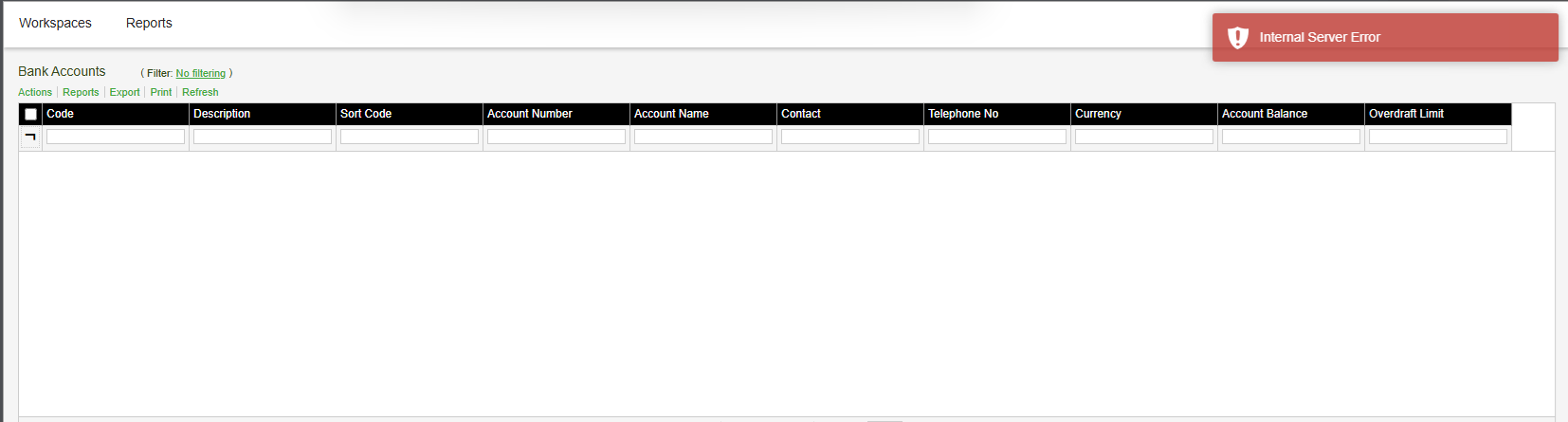
After restarting the Sage 200 server, you see either of these error messages:
- "Internal Server Error" when using workspaces in Self Service.
- "We're sorry, there has been a problem" message when using Summary pages in Self Service.
These errors can occur if your SQL Server (MSSQLSERVER) service is not set to start automatically, as the SQL service does not start again after your server restarts.
Resolution
To resolve this issue:
- Ensure SQL Server is set to start automatically on the Sage 200 server:
- Open the Windows Services app (Services.msc).
- Find the SQL Server (MSSQLSERVER) service, then right-click and select Properties.
- Make sure the Startup type is set to Automatic.
- If the service is not already running, select Start.
- Restart IIS Server.
 Africa
 Asia
 Australia
 Canada
 France
 Ireland
 Kenya
 Nigeria
 Portugal
 South Africa
 Spain
 United Arab Emirates
 United States
 Germany