Move clients between folders
Summary
This guide will help organise your client list in Client Management.
Description
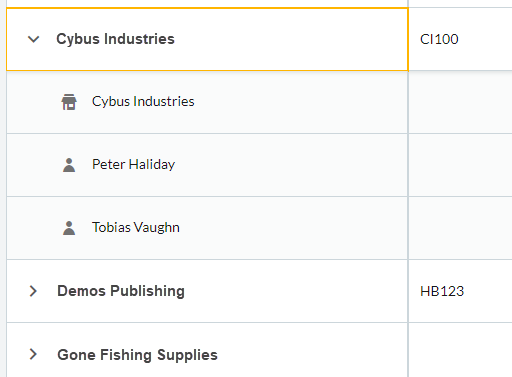
To arrange your clients into folders to make them easier to find within your client list.
Resolution
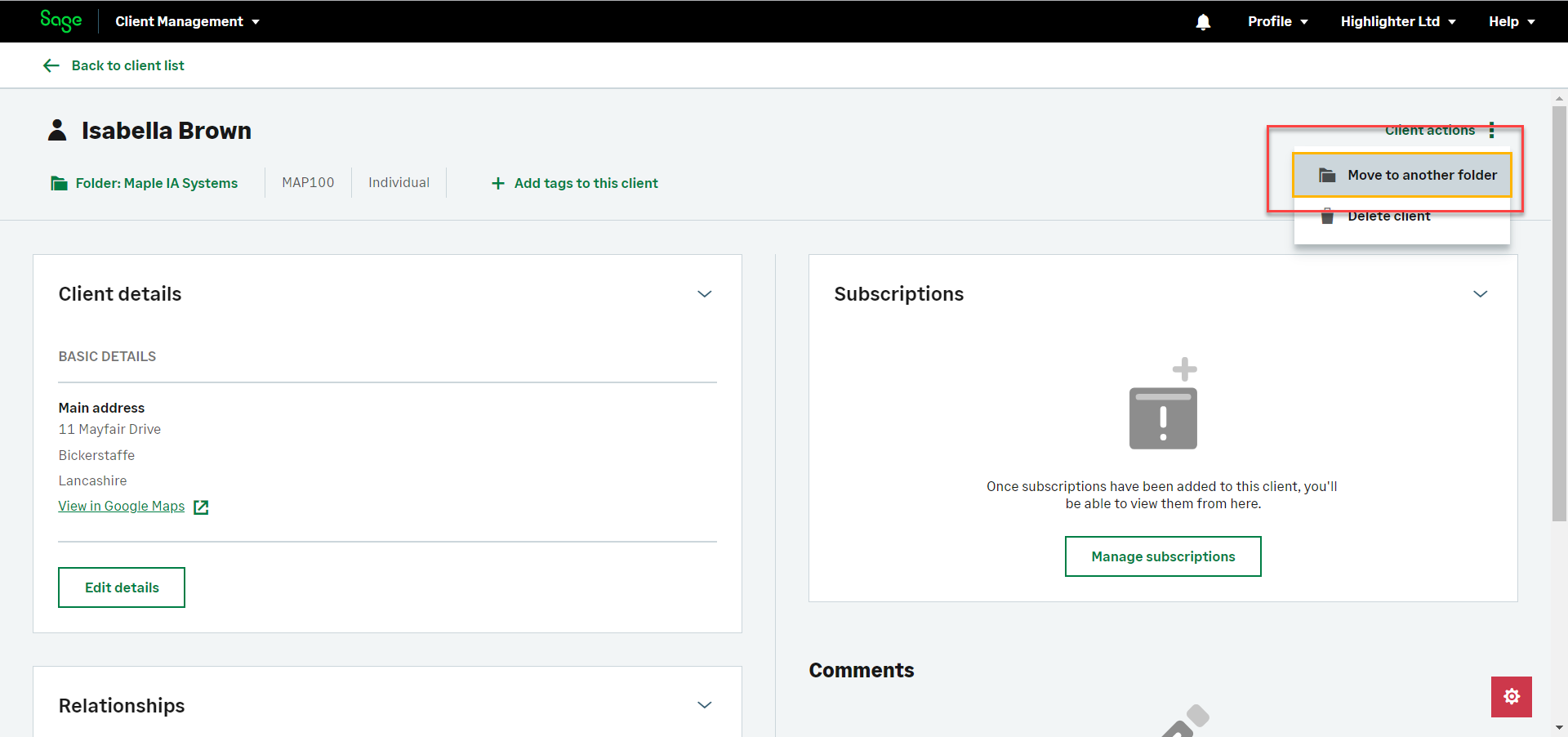
Open your client record from the Clients and prospects tab.

Click Client actions and then Move to another folder.
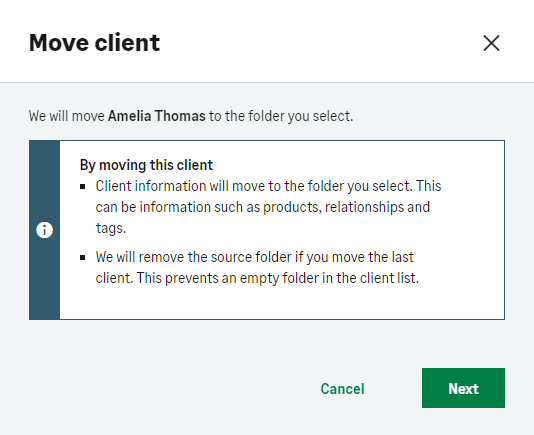
Select either:
In a new folder on my client list.
In an existing folder on my client list.

Click Move client.
Solution Properties
- Solution ID
- 240306163841470
- Last Modified Date
- Mon Nov 04 11:24:28 UTC 2024
- Views
- 0