

Summary
This guide will help organise your client list in Client Management.
Description
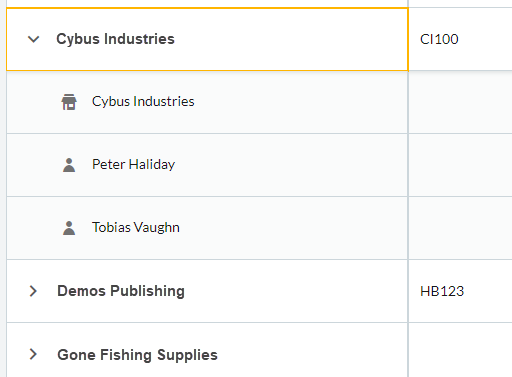
To arrange your clients into folders to make them easier to find within your client list.
Resolution
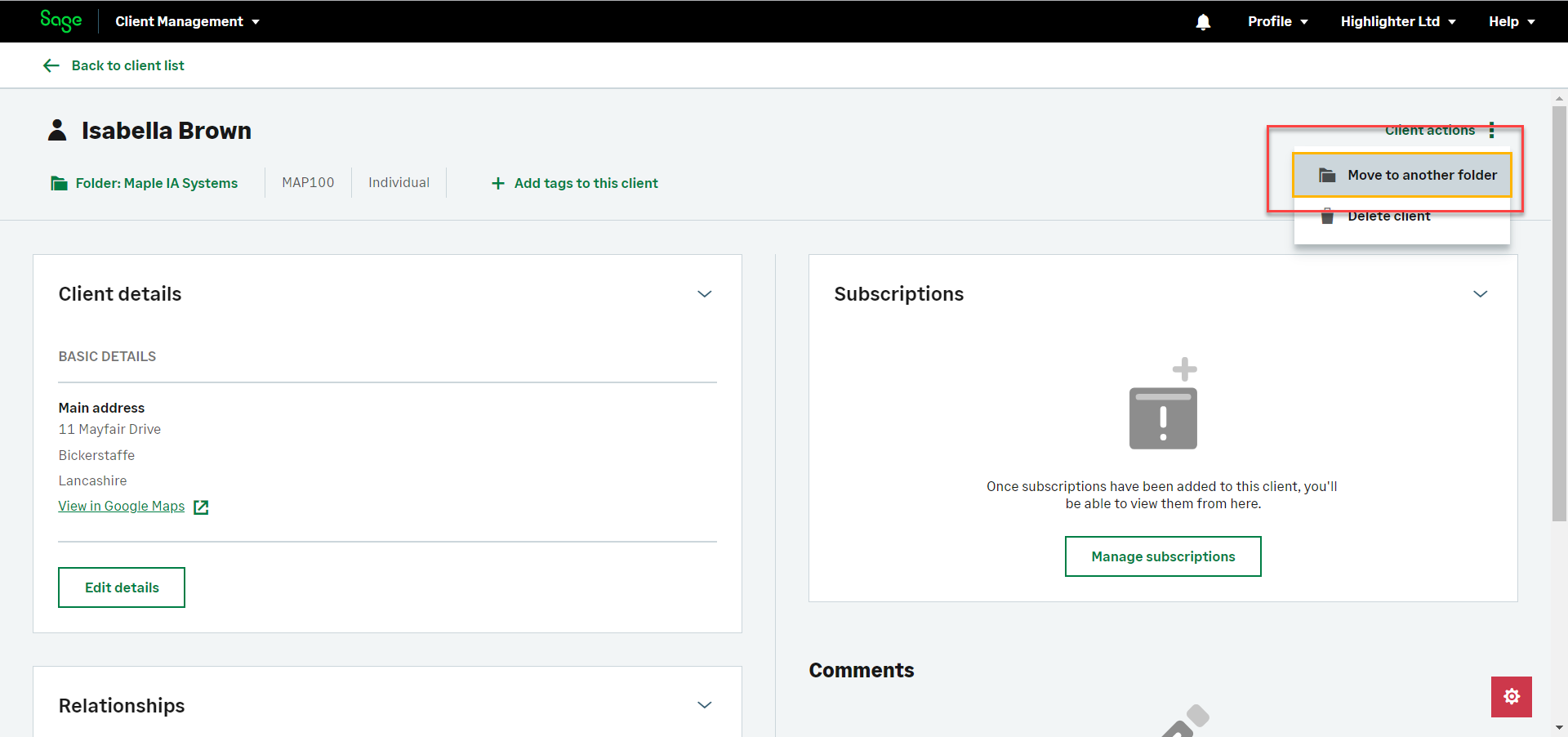
Open your client record from the Clients and prospects tab.

Click Client actions and then Move to another folder.
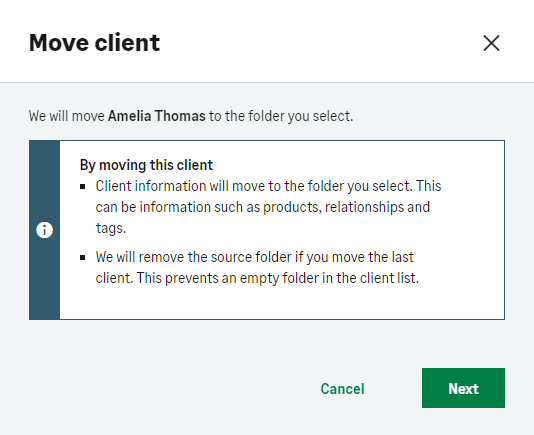
Select either:
In a new folder on my client list.
In an existing folder on my client list.

Click Move client.
 Africa
 Asia
Asia Australia
 Canada
 France
 Ireland
 Kenya
Kenya Nigeria
 Portugal
 South Africa
 Spain
Spain United Arab Emirates
 United States
 Germany