Relationships
Summary
Create relationships between clients, prospects and contacts in Client Management.
Description
You can use relationships to create links between clients, prospects and contacts in Client Management.
Resolution
- Find your client, prospect or contact.
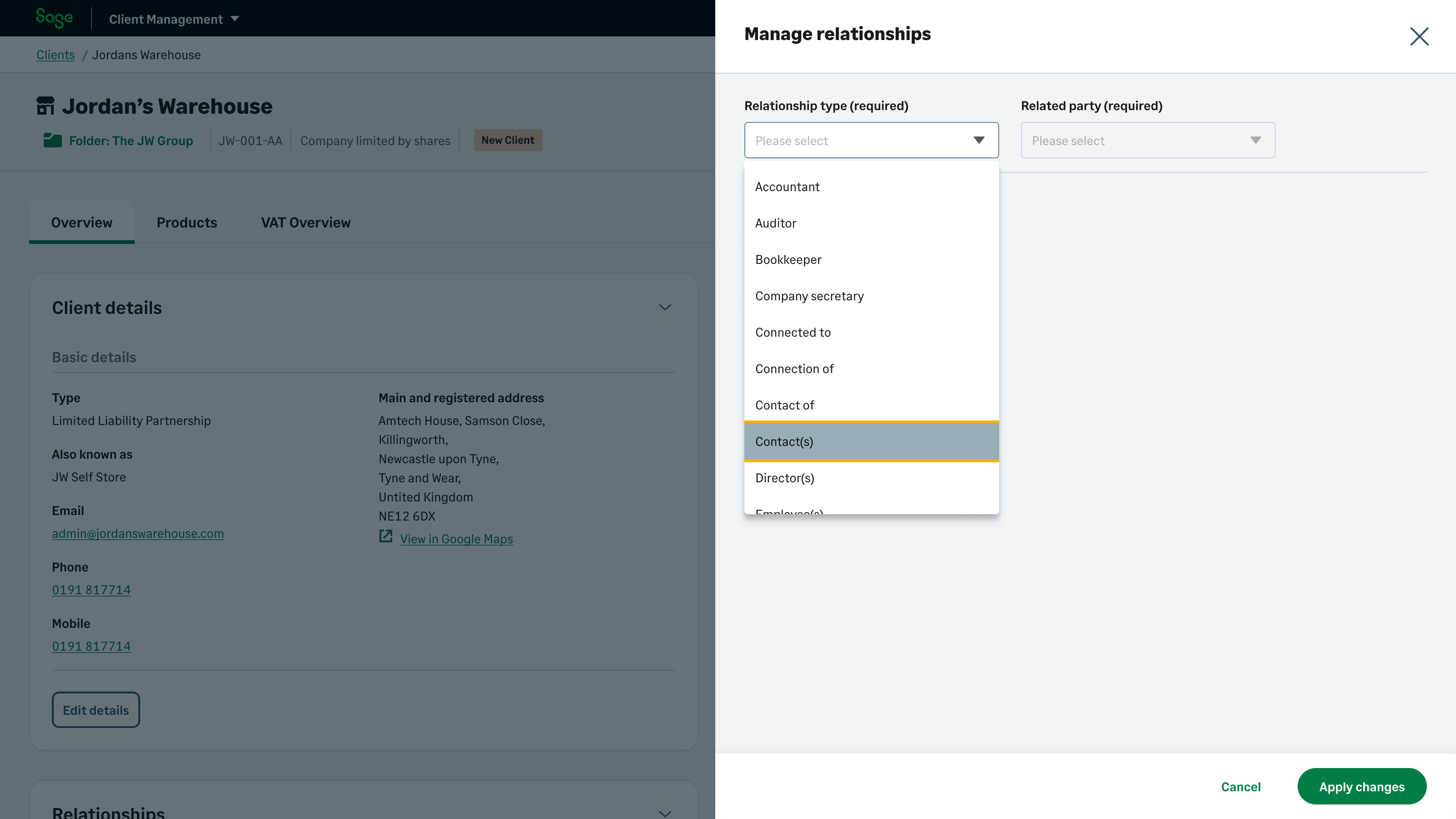
- Select Manage relationships.
- Choose a Relationship type.

- Choose the Related party for the relationship.
- Select Apply changes.
Solution Properties
- Solution ID
- 240228194233920
- Last Modified Date
- Tue Jan 20 14:22:47 UTC 2026
- Views
- 0