Migrate Payroll Data - Employment Allowance Values
Summary
How to enter employment allowance values when migrating to Sage Payroll part way through the tax year.
Description
Are you moving from an existing payroll system partway through the tax year? You must enter your current Employment Allowance values into Sage Payroll.
Resolution
If you’re still in the payroll setup wizard, select Migrate Employment Allowance Values Screen.
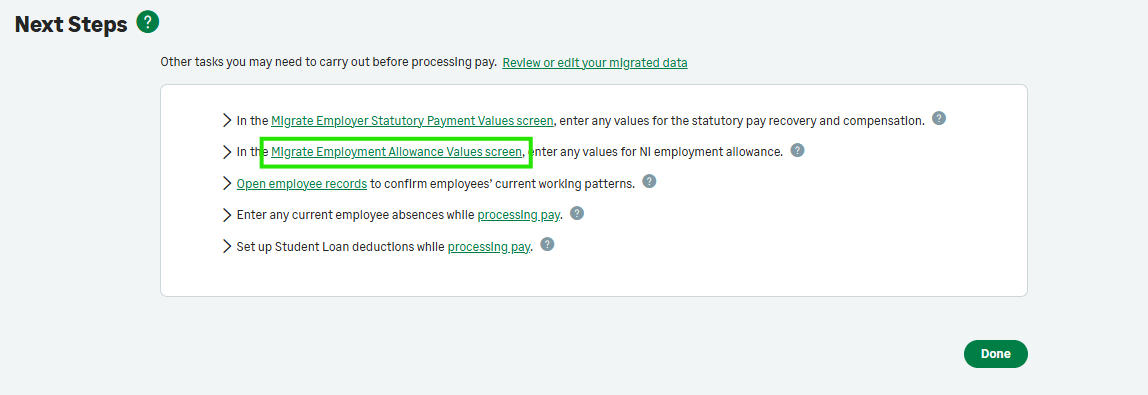
- Select the Settings from the menu bar.
- Select Migrate Employment Allowance Values.
Select the options that apply to you:
| Allowance Applied | If claiming in the previous payroll, choose Yes in the Allowance Applied dropdown. |
| Allowance Applied Mid-Year | If you started claiming the allowance at the start of the tax year, select No.
If you started claiming the allowance after the start of the tax year, select Yes.
|
| Allowance Used | Specify how much of the allowance you have already claimed. |
There may be other values you need to enter into the system before running your first payroll.
To check this, read our article Manually migrate your payroll data.
Solution Properties
- Solution ID
- 222001000101401
- Last Modified Date
- Wed Aug 05 14:38:40 UTC 2026
- Views
- 0