Log in to Bank feeds - Open Sage 50 Accounts and go to Bank feeds.
- Choose the bank account, which you use for Sage bank feeds.
You'll then see the message 'Re-authorization required. You need to enter your online banking information to retrieve banking transactions.' 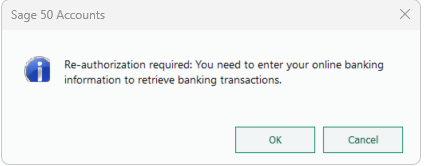
- Press OK on this message.
The software opens your bank's software window. - When prompted to re-authenticate, enter your bank login details.
You'll then see the 'Success! Re-authorization may cause a delay in retrieving new transactions. Any available transactions will download now. Try again later to retrieve more transactions' message. 
- Press OK on the message.
- You can now download your Bank feed transactions.
|